Complete IPTV Guide for Beginners: Everything You Need to Know in 2024
IPTV technology is revolutionizing how we consume television content. This comprehensive guide will walk you through everything you need to know about IPTV as a beginner, from understanding the basics to setting up your first service. Whether you're looking to cut the cord or explore new streaming options, this guide covers all essential aspects of IPTV.
What is IPTV and How Does It Work?
IPTV stands for Internet Protocol Television, a modern technology that delivers television content through internet networks instead of traditional cable or satellite formats. Unlike conventional broadcasting methods, IPTV streams content directly to your device using your internet connection, offering unprecedented flexibility and control over what you watch and when you watch it.
The technology works by converting television signals into data packets that travel through your internet connection. When you select a channel or program, the IPTV service streams that specific content to your device in real-time, similar to how YouTube or Netflix delivers videos.
Types of IPTV Services
There are three main types of IPTV services that you should understand:
- Live Television: Real-time broadcasting of TV channels, similar to traditional cable TV
- Video on Demand (VOD): Access to a library of movies and shows you can watch anytime
- Time-Shifted Media: Catch-up TV that lets you watch previously aired content
Benefits of Using IPTV
IPTV offers numerous advantages over traditional television services, making it an increasingly popular choice for modern viewers.
Cost-Effectiveness
IPTV services typically cost significantly less than traditional cable or satellite subscriptions. You only pay for the content you want to access, eliminating the need for expensive bundled packages filled with channels you never watch.
Flexibility and Convenience
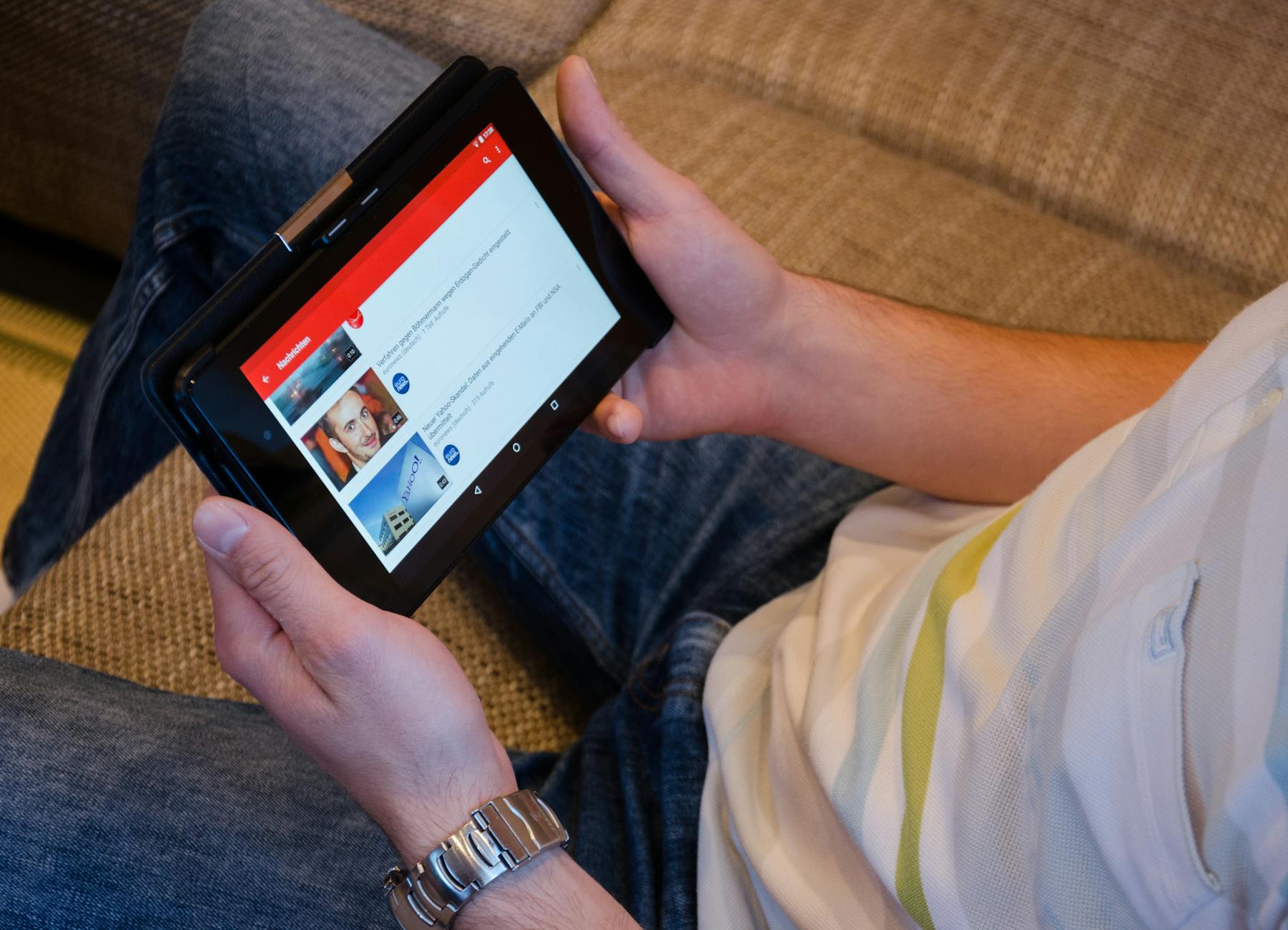
With IPTV, you can watch your favorite content on multiple devices, including:
- Smart TVs
- Smartphones and tablets
- Computers and laptops
- Streaming devices like Amazon Fire Stick or Android boxes
- Gaming consoles
Superior Content Selection
IPTV services often provide access to international channels and content that would be difficult or impossible to obtain through traditional providers. This makes it ideal for expatriates or anyone interested in global programming.
What You Need to Get Started with IPTV
Before diving into IPTV, you'll need to ensure you have the right equipment and infrastructure in place.
Internet Connection Requirements
A stable and fast internet connection is crucial for IPTV. Here are the recommended speeds:
- Standard Definition (SD): Minimum 3-4 Mbps
- High Definition (HD): Minimum 5-8 Mbps
- 4K Ultra HD: Minimum 25 Mbps
- Multiple devices: Add 5-10 Mbps for each additional stream
Compatible Devices
Most modern devices support IPTV services. The most popular options include smart TVs with built-in apps, dedicated streaming boxes, and mobile devices. Choose a device based on your viewing preferences and budget.
IPTV Player or Application
You'll need an IPTV player application to access your service. Popular options include dedicated apps provided by your IPTV service, media player applications, and smart TV native apps.
How to Choose the Right IPTV Service
Selecting the right IPTV provider is crucial for a positive experience. Consider these important factors when making your decision.
Content Library
Evaluate whether the service offers the channels and content you want to watch. Look for services that provide a good mix of live TV, movies, sports, and international content based on your preferences.
Streaming Quality
Reliable streaming quality is essential. Look for services that offer HD or 4K resolution with minimal buffering. Read reviews and check if they offer a trial period to test the service quality.
Customer Support
Quality customer support can make a significant difference, especially when you're just starting. Choose providers that offer responsive support through multiple channels like email, chat, or phone.
Device Compatibility
Ensure the service works with your existing devices. Some providers may have limitations on certain platforms, so verify compatibility before subscribing.
Setting Up Your First IPTV Service
Once you've chosen a provider, setting up IPTV is straightforward. Here's a general step-by-step process:
Step 1: Subscribe to a Service
Register with your chosen IPTV provider and select a subscription plan that fits your needs. Most services offer monthly, quarterly, or annual payment options.
Step 2: Receive Your Credentials
After payment, you'll receive login credentials or a playlist URL. Keep this information secure as it's your access key to the service.
Step 3: Install the Application
Download and install the required IPTV application on your preferred device. This might be available through official app stores or from your provider's website.
Step 4: Configure the Settings
Enter your login credentials or playlist URL into the application. Configure any additional settings like parental controls, language preferences, or video quality options.
Step 5: Start Watching
Browse the channel list or content library and start enjoying your IPTV service. Take time to explore all available features and customize your experience.
Common IPTV Terms You Should Know
Understanding basic IPTV terminology will help you navigate the service more effectively:
- M3U Playlist: A file format that contains your channel list and streaming links
- EPG (Electronic Program Guide): An on-screen guide showing current and upcoming programs
- Buffering: Temporary pause in playback while content loads
- VOD: Video on Demand content you can watch anytime
- Catch-up TV: Previously aired content available for replay
Tips for Optimizing Your IPTV Experience
Maximize your IPTV viewing experience with these practical tips:
- Use a wired ethernet connection instead of WiFi when possible for more stable streaming
- Close unnecessary applications running in the background to free up bandwidth
- Restart your streaming device regularly to maintain optimal performance
- Keep your IPTV application updated to access the latest features and improvements
- Adjust video quality settings based on your internet speed to reduce buffering
Legal Considerations and Safety
When using IPTV services, it's important to understand the legal landscape. Choose legitimate providers that have proper licensing for the content they distribute. Avoid services that offer suspiciously low prices for premium content, as they may be operating illegally.
Always protect your privacy by using secure payment methods and being cautious about sharing personal information. Research providers thoroughly before subscribing and look for established services with positive reviews and transparent business practices.
Conclusion
IPTV represents the future of television entertainment, offering flexibility, affordability, and an extensive range of content options. As a beginner, starting with IPTV might seem overwhelming, but by understanding the basics covered in this guide, you're well-equipped to make informed decisions and enjoy a superior viewing experience.
Take time to research different services, ensure you have adequate internet speed, and choose a provider that meets your specific needs. With the right setup and a reliable service, IPTV can transform how you consume entertainment, giving you complete control over what you watch, when you watch it, and on which device.
También te puede interesar