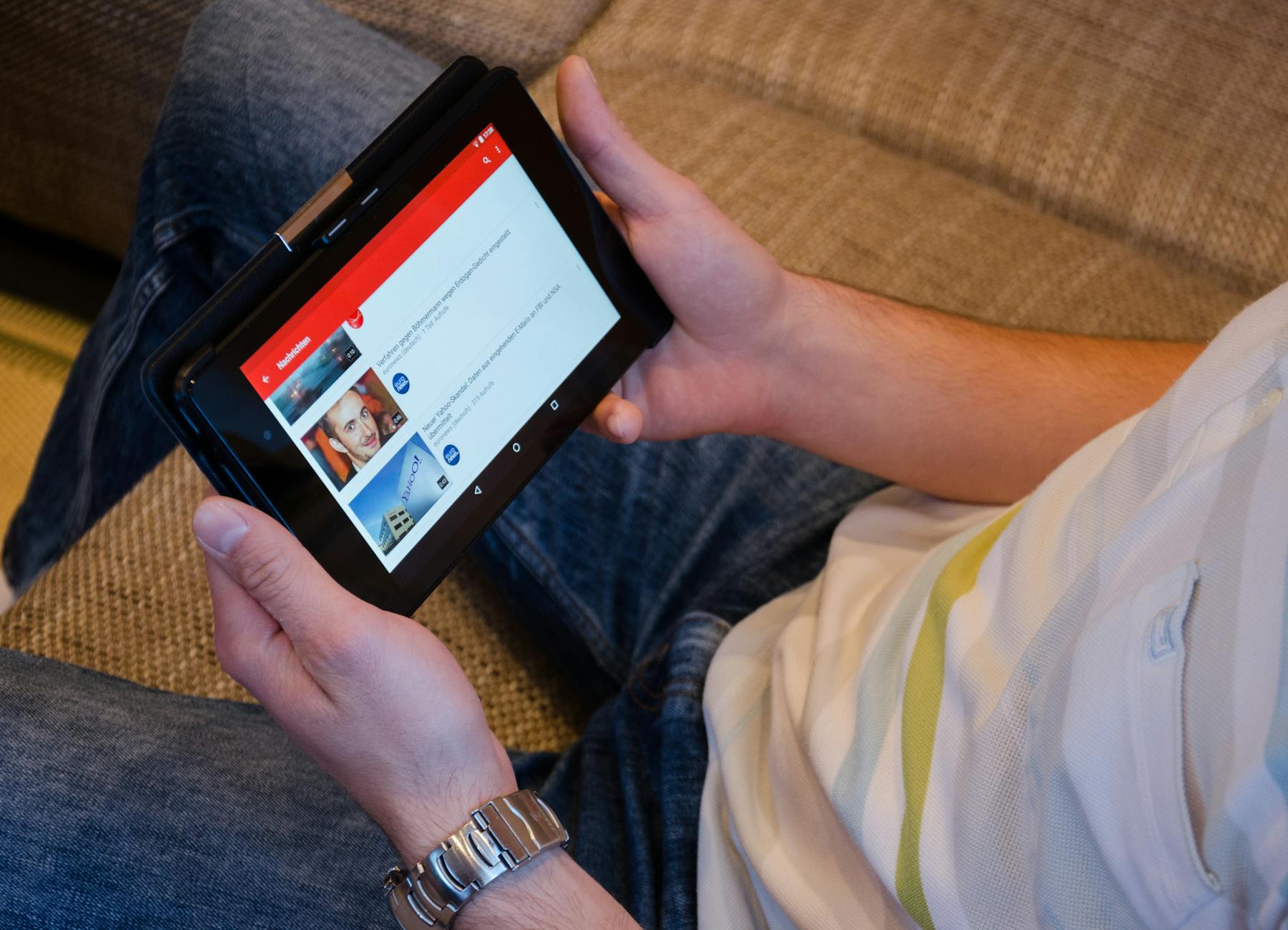
Complete IPTV Guide for Beginners: Everything You Need to Know to Get Started
Discover everything you need to know about IPTV in this comprehensive beginner's guide. Learn what IPTV is, how it works, what equipment you need, and how to set up your first streaming service. Whether you're new to cord-cutting or exploring alternatives to traditional cable TV, this guide will walk you through every step of your IPTV journey.
Internet Protocol Television (IPTV) has revolutionized the way we consume television content. If you're tired of expensive cable bills and limited channel selections, IPTV offers a flexible, affordable alternative. This comprehensive guide will help you understand everything about IPTV and get you started on your streaming journey.
What is IPTV?
IPTV stands for Internet Protocol Television, a system that delivers television content through internet protocols instead of traditional terrestrial, satellite, or cable formats. Unlike downloaded content, IPTV streams media continuously, allowing you to watch your favorite shows and channels in real-time.
Think of IPTV as television content delivered through your internet connection rather than through traditional broadcast methods. This technology enables you to watch live TV, video on demand (VOD), and time-shifted programming on various devices connected to the internet.
Types of IPTV Services
There are three main types of IPTV services you should know about:
How Does IPTV Work?
IPTV works by converting television signals into small data packets that are transmitted over the internet. Here's a simplified breakdown of the process:
Content providers encode video and audio files into digital format, which are then stored on servers. When you select a channel or program, your IPTV device sends a request to the server. The server responds by streaming the requested content directly to your device through your internet connection.
The content is delivered in compressed format to ensure smooth playback, and your IPTV device decodes it in real-time, displaying it on your screen. This process happens almost instantaneously, providing you with a seamless viewing experience.
What Equipment Do You Need?
Getting started with IPTV doesn't require extensive technical knowledge or expensive equipment. Here's what you'll need:
Essential Requirements
Optional Equipment
Choosing the Right IPTV Subscription
Selecting the right IPTV service is crucial for a satisfying viewing experience. Consider these factors when making your decision:
Important Considerations
Setting Up Your IPTV Service
Once you've chosen your IPTV subscription, follow these general steps to get started:
Step-by-Step Setup Process
Optimizing Your IPTV Experience
To ensure the best possible streaming quality, follow these optimization tips:
Internet Connection Optimization
Device Optimization
Common IPTV Challenges and Solutions
Even with proper setup, you may encounter some issues. Here are common problems and their solutions:
Buffering Issues
If you experience frequent buffering, check your internet speed, reduce video quality settings temporarily, or switch to a wired connection. Close other applications using bandwidth and restart your router if necessary.
Connection Errors
Verify that your login credentials are correct, ensure your subscription is active, and check if the server is experiencing downtime. Contact your service provider if problems persist.
Poor Picture Quality
Adjust your player's quality settings, verify your internet speed meets the requirements for HD streaming, and check if the channel itself broadcasts in lower quality.
Legal Considerations
It's important to understand the legal aspects of IPTV services. While IPTV technology itself is completely legal, the legality depends on the content being streamed and whether proper licensing agreements are in place.
Always choose reputable IPTV providers that operate legally and have the necessary rights to distribute content. Research providers before subscribing and ensure they comply with copyright laws in your region.
Frequently Asked Questions
Can I use IPTV on multiple devices?
Yes, depending on your subscription plan. Most IPTV services offer different tiers that allow streaming on one or multiple devices simultaneously. Check your plan details to understand how many concurrent connections are permitted.
What internet speed do I need for IPTV?
For standard definition (SD) content, 5-10 Mbps is sufficient. High definition (HD) requires 10-25 Mbps, while 4K streaming needs at least 25-50 Mbps. Consider higher speeds if multiple people in your household stream simultaneously.
Is IPTV better than cable TV?
IPTV offers several advantages including lower costs, more flexibility, on-demand content, and the ability to watch on multiple devices. However, it requires a reliable internet connection. The choice depends on your specific needs and preferences.
Conclusion
IPTV represents the future of television entertainment, offering unprecedented flexibility and value. By understanding the basics covered in this guide, you're well-equipped to begin your IPTV journey. Start by assessing your viewing needs, choose a reliable service provider, ensure you have adequate internet speed, and follow the setup instructions carefully.
Remember that like any technology, there may be a learning curve, but the benefits of IPTV—including cost savings, content variety, and viewing flexibility—make it worthwhile. Take advantage of free trials when available, and don't hesitate to reach out to customer support when you need assistance. Welcome to the world of modern television streaming!
También te puede interesar