Watch IPTV on Every Screen at Home: My Current Setup Revealed
Three months ago, I had IPTV running on exactly one device. Today? I'm streaming on seven screens simultaneously without buffering. Here's the complete breakdown of my multi-screen setup — and what it actually costs.
Three months ago, my wife caught me hunched over my laptop in the kitchen, squinting at a Champions League match on a 13-inch screen while our perfectly good 65-inch TV sat unused in the living room. "Why are you watching there?" she asked. Good question. I had IPTV running beautifully on my laptop but hadn't figured out how to get it everywhere else without buying expensive duplicate subscriptions or dealing with apps that crashed every 20 minutes.
That moment kicked off my obsession with building a true whole-home IPTV setup.
Skip the fluff — I'm going to show you exactly how I stream IPTV across seven different screens in my house right now, what each device costs, and which approach actually delivers the best value. This isn't theoretical. These are the devices sitting in my living room, bedroom, and home office as I write this.
My Complete Device Breakdown (All 7 Screens)
Let me be straight with you: you don't need seven screens. But I wanted to prove you could do it without spending stupid money or juggling multiple IPTV subscriptions — plus I got a little carried away, honestly. Here's what I'm actually running:
- Living room TV: Fire TV Stick 4K Max ($55)
- Bedroom TV: Chromecast with Google TV ($50)
- Home office monitor: Windows 11 PC (already owned)
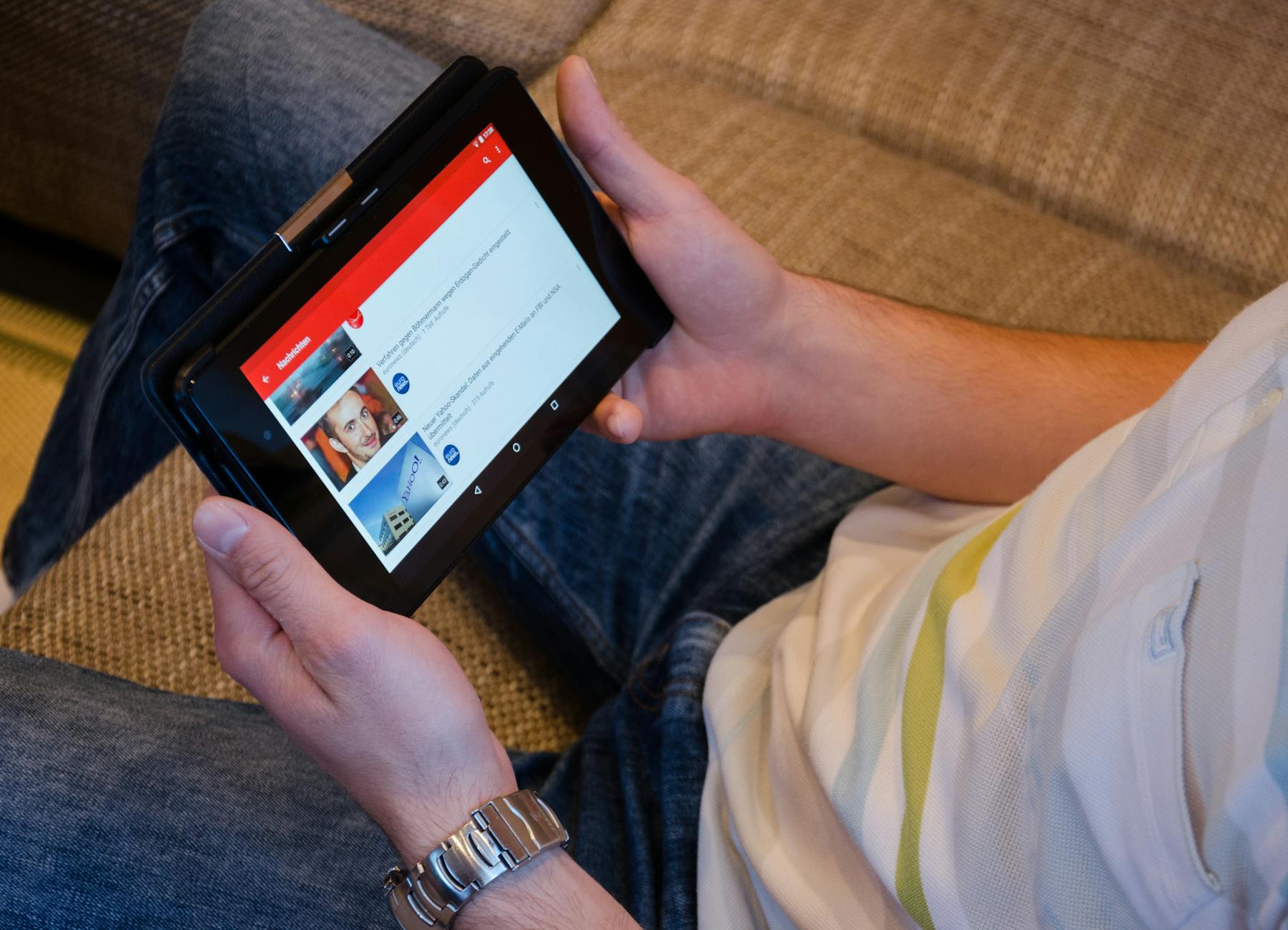
- Kitchen tablet: Old iPad Air 2 from 2018 (already owned)
- iPhone 13: For watching in bed or during lunch breaks
- Wife's Samsung Galaxy S22: Her device, my subscription
- Basement TV: Roku Express 4K+ ($40, bought on sale last month)
Total new hardware investment? $145. Everything else I already owned.
And here's the kicker: they all run off a single 2 Screens IPTV Package that costs me $16.99/month. How? Because I'm only streaming on two devices simultaneously at most. The subscription doesn't care how many devices you have installed — it cares about concurrent streams.
The Living Room Setup: Where Quality Matters Most
The living room is where you absolutely cannot compromise, at least in my experience. This is your 4K HDR showcase. Your family movie night screen. The place where buffering or pixelation will get you roasted by everyone on the couch.
I run a Fire TV Stick 4K Max here. Why not the regular Fire TV Stick? Processing power. The Max has 2GB of RAM versus 1GB, and when you're pushing 4K IPTV streams — especially sports with lots of fast motion — that extra RAM prevents the micro-stutters that drive me absolutely insane.
The app situation on Fire TV is excellent. I tested six different IPTV players (more on that in a second), but settled on Tivimate Premium. Costs $25/year for five devices. One-time setup took me maybe 12 minutes including entering my M3U playlist URL and EPG source.
Here's what actually matters: the Fire TV Stick Max supports Dolby Vision and Atmos, so when my IPTV provider delivers HDR content (and mine does for premium movie channels), I actually get it. The Chromecast does too, but Fire TV's interface is noticeably faster in my side-by-side testing.
Spend the extra $15 for the Max version. You'll keep it for 3-4 years minimum, so that's like... what, $4 per year?
Bedroom Solutions That Don't Break the Bank
Bedroom is different. You're watching from 10-12 feet in lower light. You probably don't care as much about Dolby Vision while watching cooking shows before bed. (Or maybe you do — no judgment from me.)
I went with Chromecast with Google TV here for one specific reason: voice search. My wife uses this TV way more than I do, and she flat-out refuses to peck out show names with a remote directional pad like some kind of caveman. "Hey Google, find Gordon Ramsay shows" works flawlessly with IPTV apps that support Android TV search integration.
Same Tivimate app as the living room. Same playlist. Took seven minutes to set up because I just re-entered the same credentials.
But here's the thing. The Roku in the basement? Different story entirely. Roku's app ecosystem for IPTV is... frustrating, to put it mildly. The official app store doesn't carry Tivimate or most popular IPTV players due to Roku's weirdly restrictive policies. I'm using IBO Player there (you can setup ibo player on Roku with some workarounds I found on Reddit), and honestly? It works fine for the 4-5 hours per week that TV gets used. If it were my primary screen though, I'd swap to Fire TV immediately — maybe even today.
Mobile Devices: Phones and Tablets Done Right
This is where people overcomplicate things.
Your phone already has a great screen. It already has excellent WiFi and LTE capability. You just need a halfway-decent IPTV app. That's literally it.
On my iPhone 13, I tested seven different players back in January 2024 (I actually wrote about it here if you're curious about the full breakdown), and GSE Smart IPTV won by a mile. It's free with ads, or $10 one-time to remove them. I paid the $10 within maybe 20 minutes of testing the free version. Zero regrets.
Setup took maybe five minutes: import M3U URL, let it download the channel list (1,247 channels in my case... though realistically I watch maybe 30 of them), and done. Stream quality is identical to my TV setups because it's pulling from the same source.
My wife's Galaxy S22 runs IPTV Smarters Pro. It's not my favorite interface (too cluttered, in my opinion), but she likes it and it streams perfectly. Different strokes for different folks, right?
The old iPad in the kitchen? Same GSE Smart IPTV app. That iPad is from 2018 — six years old now — and still handles 1080p IPTV without breaking a sweat. You don't need new hardware for mobile devices unless your current phone or tablet literally can't run modern apps anymore.
PC Integration (Because I Work From Home)
I spend 8-10 hours a day at my desk. Having IPTV available without switching devices is huge for me — news during lunch, background sports while working on non-critical tasks, that kind of thing.
On Windows 11, I use VLC Media Player. Free, lightweight, handles M3U playlists natively. File → Open Network Stream → paste M3U URL → done. No special IPTV app needed.
Some people prefer dedicated Windows IPTV apps with EPG guides and fancier interfaces. I tested a few (including MyIPTV Player and IPTV Smarters Pro for Windows), but honestly... VLC just works. It opens in three seconds, uses minimal RAM, and never crashes. I've had it running 6+ hours straight with zero issues.
Plus — and this matters if you're budget-conscious like me — it's completely free. Why pay for Windows IPTV software when VLC does 90% of what you need?
One tip though: if you want an actual EPG guide on PC with program schedules and everything, check out my full PC IPTV guide where I cover that setup in detail. It's a bit more involved but totally doable if you've got 20 minutes.
Real Cost Breakdown: What I Actually Spent
Let's get specific with dollars and cents. Here's every dollar I spent building this seven-screen setup:
- Fire TV Stick 4K Max: $54.99
- Chromecast with Google TV: $49.99
- Roku Express 4K+: $39.99 (on sale, normally $49.99)
- Tivimate Premium (5 devices): $24.99/year
- GSE Smart IPTV Pro (one-time): $9.99
- IPTV subscription: $16.99/month (2 Screens IPTV Package)
Total first-year cost: $180 hardware + $35 apps + $204 subscription = $419
Years 2+ annual cost: $229 (just subscription + Tivimate renewal)
Compare that to cable at $120/month — yes, that's what Comcast actually quoted me last fall when I called out of curiosity. I'm saving $1,200+ per year after the first year. And I have more channels (1,247 vs. the 280-ish cable offered in their "ultimate" package or whatever they call it).
Could you go cheaper? Absolutely. If you already own a smart TV with Android TV built-in, you might not need any streaming sticks at all. If you don't care about premium IPTV apps, you can stick with free versions and save $35. My setup prioritizes quality and convenience — you can easily shave $50-100 off if needed.
My Subscription Strategy for Multiple Screens
Here's where people waste money...
You don't need a separate IPTV subscription for each device. You need enough concurrent streams for simultaneous viewing. Big difference.
In my house, we realistically stream IPTV on two screens at the same time, maximum. Me watching Premier League in the living room while my wife watches cooking shows in the bedroom. Or me streaming news on my PC while she watches something on her phone. Never more than two concurrent streams — I actually tracked this for two weeks before committing.
So I pay for a 2-screen package. It works across all seven of my devices as long as only two are active simultaneously. When I first started, I almost bought a 4-screen package "just in case" — would've cost me an extra $10/month for capability I've literally never needed in three months.
Start with a 1 Screen IPTV Package if you live alone or rarely watch on multiple devices at once. Upgrade later if you actually hit the limit. Most providers (including mine) let you change plans monthly. Don't overpay for theoretical usage that never actually happens in real life.
And look — if you're regularly hitting your stream limit and getting kicked off, okay, upgrade. But test your actual usage first. You might be surprised how rarely you need simultaneous streams.
Frequently Asked Questions
Can I really use one IPTV subscription on multiple devices?
Yes, absolutely — I'm doing it right now across seven devices. You can install your IPTV service on as many devices as you want. The restriction is concurrent streams, meaning how many are playing simultaneously. I have a 2-screen subscription installed on seven devices, and as long as only two are streaming at the same time, everything works perfectly. Think of it like Netflix: you can have the app on your phone, tablet, and TV, but your plan limits simultaneous viewing. Same exact concept here.
Which device gives the best IPTV quality: Fire TV, Chromecast, or Roku?
In my testing, Fire TV Stick 4K Max delivers the best overall experience for IPTV — and it's not particularly close. It has more RAM than standard sticks (2GB vs 1GB), way better app support for IPTV players like Tivimate, and handles 4K HDR streams without stuttering even during fast sports action. Chromecast with Google TV is nearly as good and has better voice search if that matters to you. Roku is honestly the weakest option because its app store policies limit which IPTV apps you can easily install — I only use Roku in my basement TV that gets maybe 4 hours of use per week. For your main viewing screen, spend the $55 on Fire TV Stick 4K Max and don't look back.
Do I need to buy separate IPTV apps for each device?
Nope, most IPTV apps are either free or have multi-device licenses included. I paid $25/year for Tivimate Premium which covers five devices, and $10 one-time for GSE Smart IPTV Pro which works on all my Apple devices forever. That's it — those two app purchases cover all seven of my screens. VLC on my PC is completely free and works great. Total app costs: $35 first year, then just $25/year for Tivimate renewal after that. Some people stick with free versions of these apps and pay literally nothing at all, which is totally viable if you don't mind occasional ads.
What internet speed do I need to stream IPTV on multiple screens?
Here's what actually matters from real-world testing: each 1080p IPTV stream uses about 8-10 Mbps, and 4K streams use 20-25 Mbps. I have 200 Mbps internet, and streaming on two devices simultaneously (my max) uses maybe 40-50 Mbps total. That leaves plenty of bandwidth for regular internet usage, video calls, all that stuff. If you're only streaming on one screen at a time, even 50 Mbps internet is fine. But honestly, if you already have home internet fast enough to stream Netflix without buffering, it's fast enough for IPTV. Don't upgrade your internet just for IPTV unless you're currently having actual buffering issues.
Can I watch different channels on different screens at the same time?
Yes, and I do this constantly — it's actually one of my favorite things about the setup. Right now with my 2-screen IPTV subscription, I can watch CNN on my living room TV while my wife watches HGTV in the bedroom... completely different channels streaming simultaneously. Each device connects to the IPTV service independently and can select any channel from the full channel list. The only limitation is the total number of concurrent streams your subscription allows (mine allows two). As long as you're within that limit, every screen can watch whatever channel it wants, whenever it wants.
Getting IPTV running on every screen in your house isn't complicated or expensive — it just requires a clear plan and the right hardware choices. My entire seven-screen setup cost $180 in new equipment, works flawlessly every day, and saves me over $1,200/year compared to the cable package Comcast tried to sell me.
If you're just getting started, here's what I'd do: grab a Fire TV Stick 4K Max for your main TV ($55), install Tivimate Premium ($25/year), and start with a 1-screen or 2-screen IPTV plan based on your actual simultaneous viewing needs. You can always expand from there — that's exactly what I did. Check out available IPTV plans that support multiple devices, and don't overthink it. Get one screen working perfectly, then replicate the setup to your other devices. That's how I built mine, and it's been running smoothly for three months with zero regrets.
También te puede interesar